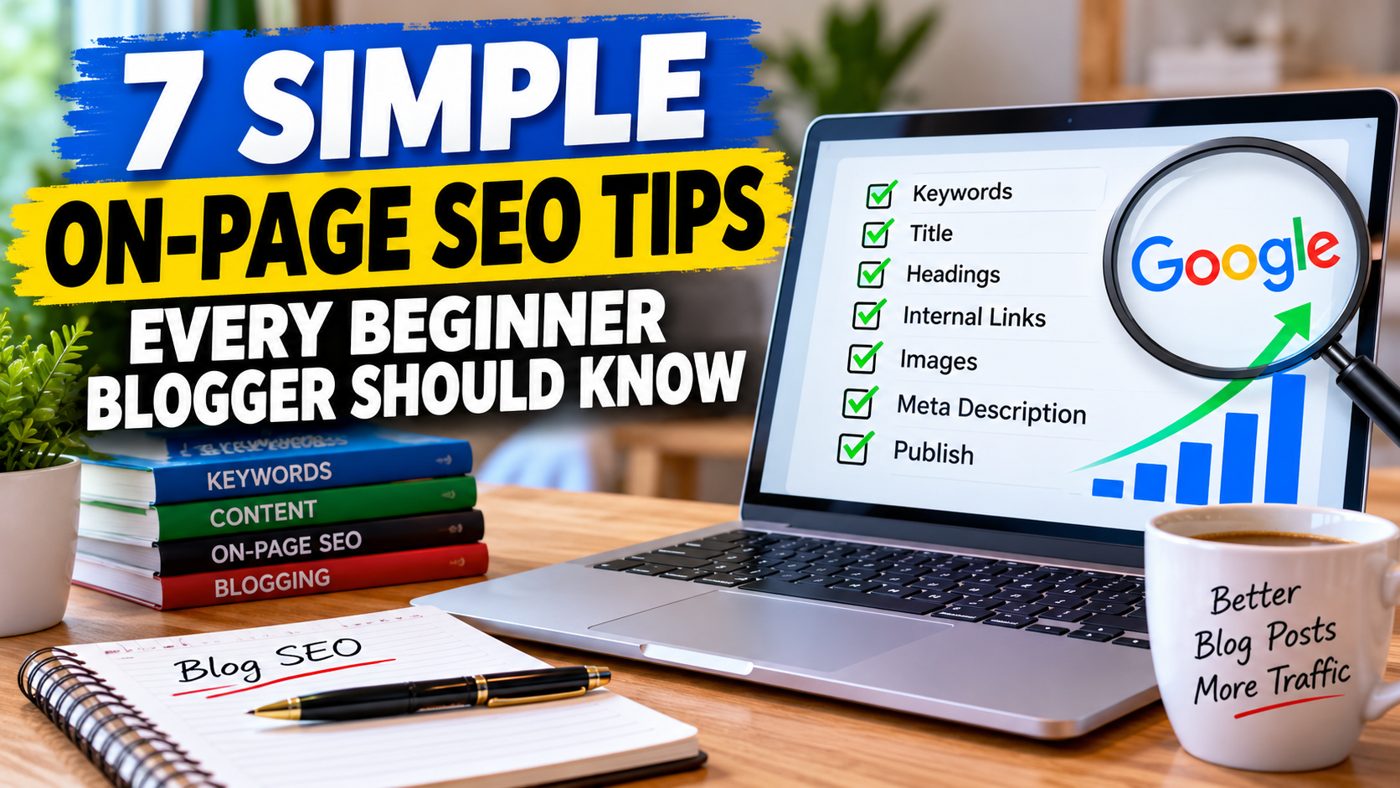
7 Simple On-Page SEO Tips Every Beginner Blogger Should Know
You’ve written your blog post, checked the spelling, added an image and pressed Publish.
Now comes the big question.
Will anybody find it on Google?
That’s where search engine optimisation, or SEO, comes in.
If you’re new to blogging, SEO can sound complicated. You might hear people talking about keywords, meta descriptions, headings and internal links.
But here’s the good news.
You don’t need to be an SEO expert to make your blog posts easier for search engines to understand.
In this article, we’ll look at seven simple things you can do before publishing your next post.
1. Choose One Main Topic for Your Blog Post
One of the biggest mistakes beginner bloggers make is trying to cover too many subjects in one article.
Imagine writing about starting a blog, making money online, choosing hosting, email marketing and social media promotion all in the same post.
That’s a lot for one article!
Instead, choose one main topic.
For example:
How to Start a Blog for Beginners
Your article can then focus on helping somebody understand the steps involved in starting their first blog.
Think about what your reader wants to know and answer that question clearly.
2. Use Your Main Keyword Naturally
A keyword is simply a word or phrase somebody might type into Google.
For example:
- How to start a blog
- SEO tips for beginners
- Why isn’t my blog showing on Google?
Choose a phrase that matches your article.
Then use it naturally in your title, introduction and relevant headings.
But don’t make the mistake of repeating it in every paragraph.
Google wants helpful content written for people, not pages stuffed with keywords.
A simple rule: Write for your reader first.
3. Write a Clear and Helpful Title
Your blog title is one of the first things people may see in search results.
A vague title such as:
Some Thoughts About Blogging
doesn’t tell readers very much.
Compare that with:
7 Simple On-Page SEO Tips Every Beginner Blogger Should Know
Now readers know exactly what they’ll learn.
Try to make your title specific, relevant and easy to understand.
You don’t need clever words or complicated headlines.
Clarity usually works better.
4. Break Your Article Into Sections
Have you ever opened a website and found one enormous wall of text?
It’s hard work to read!
That’s why headings are so useful.
They help visitors scan your article and find the information they need.
They also help search engines understand how your content is organised.
Use one main page heading, usually called an H1, followed by H2 headings for your main sections.
If you need smaller sections within those, use H3 headings.
Keep your paragraphs reasonably short, too.
Remember, many people will be reading on their phones.
5. Add Links to Other Helpful Articles
This is called internal linking.
It simply means linking from one page on your website to another.
For example, if you’re writing about on-page SEO, you could link to another article explaining why blog posts aren’t appearing on Google.
That gives readers somewhere useful to go next.
It also helps search engines discover related pages on your website.
Related reading: Why Your Blog Posts Aren’t Showing Up on Google — And What You Can Do About It
Don’t add links just for the sake of it.
Link when the other page genuinely helps your reader.
6. Give Your Images Descriptive Names and Alt Text
Images can make a blog post more interesting.
But there’s another small SEO task worth doing.
Give your images sensible filenames and alternative text, often called alt text.
For example, instead of uploading an image called:
IMG00458.jpg
you could use:
beginner-blog-seo-checklist.jpg
And if the image shows somebody reviewing a blogging checklist, the alt text could say:
Person reviewing a blog SEO checklist on a laptop.
Alt text primarily helps people using screen readers understand images. It can also help search engines interpret relevant visual content.
Describe what the image actually shows rather than forcing keywords into it.
7. Check Your SEO Title and Meta Description
Before publishing, look for the SEO settings in your WordPress editor.
If you use an SEO plugin, you’ll usually find fields for an SEO title and meta description.
Your SEO title should describe the article clearly.
Your meta description is a short summary of what readers can expect.
For this article, a suitable description might be:
Discover seven simple on-page SEO tips for beginner bloggers, including keywords, headings, internal links, images and meta descriptions.
Google may choose a different description to display in search results, but writing a useful one is still worthwhile.
And remember, completing these fields doesn’t guarantee rankings.
They’re part of making your page easier to understand.
A Simple SEO Routine Makes Blogging Easier
You don’t need to spend hours worrying about SEO every time you write a blog post.
Start with the basics.
Choose a clear topic, write helpful content, organise your headings, add relevant links and check your SEO settings.
Over time, these small habits become part of your normal blogging routine.
And that’s much easier than trying to fix everything after you’ve published dozens of articles.
Want a Step-by-Step Guide?
If you’re just getting started and would like a straightforward way to work through your blog SEO, I’ve put together The Blog Post SEO Blueprint.
It’s a beginner-friendly guide designed to help you understand the important steps without getting lost in technical jargon.
You can find out more here:
Take a Look at The Blog Post SEO Blueprint
Your results will depend on your content, website and competition. No SEO guide can guarantee Google rankings.
Final Thoughts
Good SEO isn’t about tricking Google.
It’s about creating useful content and making that content easier for readers and search engines to understand.
Start with these seven tips.
Apply them to your next article.
And keep improving as you learn.
Because every helpful blog post you publish is another opportunity for somebody to discover your website.
Until next time….
John Richards