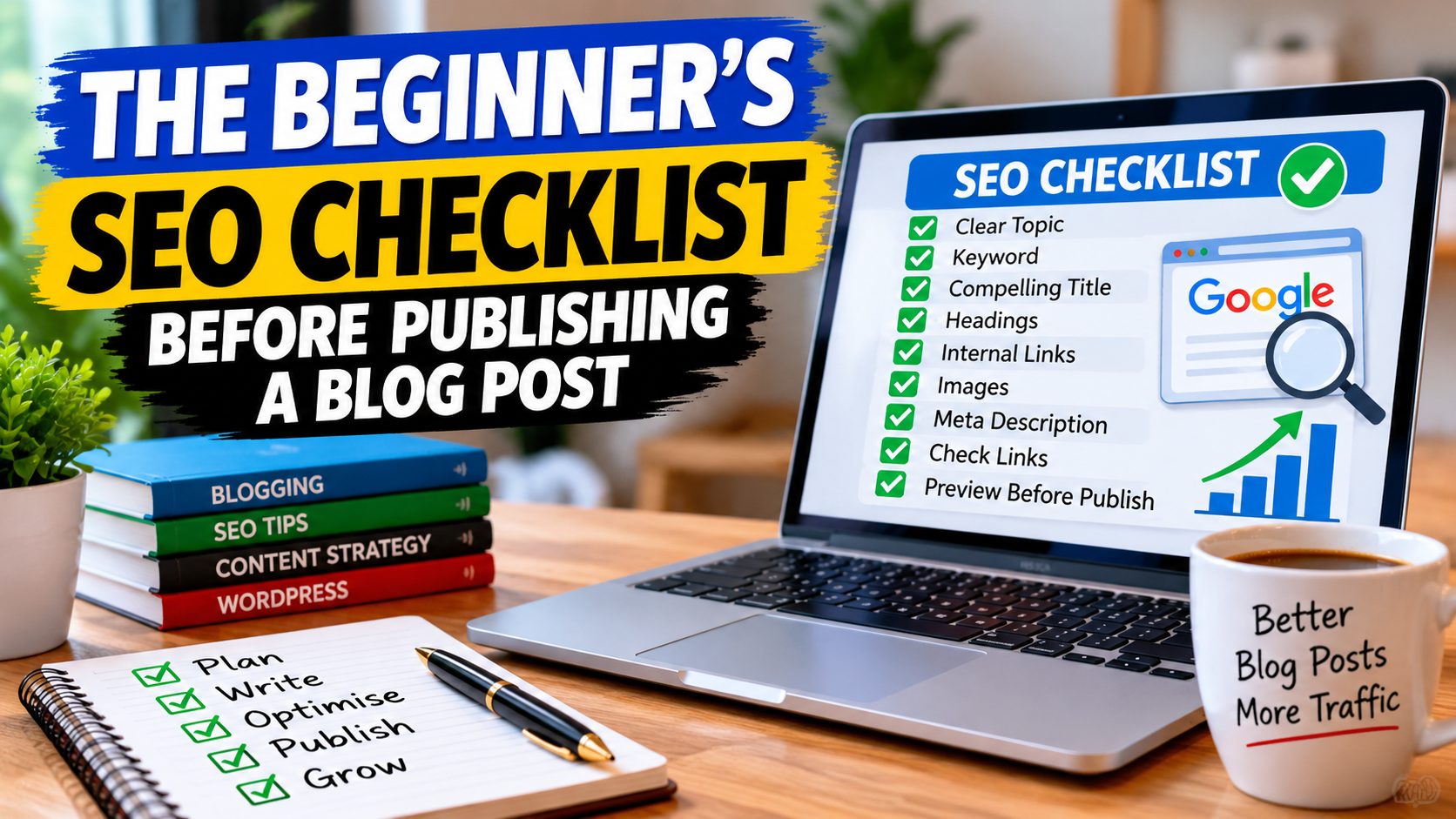
The Beginner’s SEO Checklist Before Publishing a Blog Post
You’ve finished writing your blog post.
The title looks good. You’ve added your images. Everything seems ready.
Your finger is hovering over the Publish button.
But wait a moment.
Have you checked the little things that could make your article easier for Google and your readers to understand?
Don’t worry. You don’t need to be an SEO expert.
In this article, I’ll walk you through a simple checklist you can use before publishing your next blog post.
1. Does Your Article Answer a Clear Question?
Before worrying about keywords or SEO plugins, ask yourself one simple question:
What will somebody learn from reading this article?
If your post is about starting a blog, make sure it actually explains how to get started.
If it’s about SEO, give readers useful steps they can follow.
Try to solve one main problem rather than covering everything at once.
Helpful content should always come first.
2. Have You Chosen a Relevant Keyword?
Think about what somebody might type into Google to find your article.
For example:
- Beginner blogging checklist
- How to optimise a blog post
- SEO checklist before publishing
Choose a phrase that accurately describes your content.
Use it naturally where it makes sense.
You don’t need to repeat the same phrase dozens of times.
3. Is Your Title Clear?
Your title should tell readers what the article is about.
Compare these two examples:
Things to Remember
The Beginner’s SEO Checklist Before Publishing a Blog Post
The second title makes a clear promise.
Readers know what to expect before they click.
4. Have You Checked Your Headings?
Headings make articles easier to read.
They also help organise the information for search engines.
Use a main heading for your article and smaller headings for each important section.
In WordPress, these are commonly called H1, H2 and H3 headings.
Keep the structure logical.
Don’t choose heading levels simply because you prefer how they look.
5. Are Your Paragraphs Easy to Read?
Most people don’t enjoy reading enormous blocks of text.
Break your writing into manageable paragraphs.
Use plain English.
Explain technical words when you introduce them.
And don’t be afraid to use examples.
Your goal is to make the article useful, not to impress readers with complicated language.
6. Have You Added Relevant Internal Links?
An internal link takes readers to another page on your website.
For example, if somebody is learning about SEO, they may also want to know why their blog isn’t appearing in Google search results.
You could point them towards this article:
Why Your Blog Posts Aren’t Showing Up on Google — And What You Can Do About It
Internal links help visitors explore your website and can help search engines discover related content.
Only add links when they’re useful.
7. Have You Checked Your Images?
Images can improve the reading experience, but they should serve a purpose.
Before publishing, check that:
- Images display properly.
- Files aren’t unnecessarily large.
- Descriptive alt text is added where appropriate.
- Images are relevant to the article.
Alt text should describe the image for people who cannot see it.
You don’t need to stuff keywords into every image description.
8. Have You Written Your SEO Description?
If you’re using WordPress with an SEO plugin, check your SEO title and meta description.
The meta description gives a short summary of your article.
For example:
Use this beginner-friendly SEO checklist before publishing your next blog post. Check titles, keywords, headings, images, links and more.
Search engines don’t always display your chosen description, but a clear summary is useful to provide.
9. Have You Checked Your Links?
This is one of those simple jobs that’s easy to forget.
Before publishing, click your links.
Make sure they open the correct pages.
Check that any product or resource links work properly.
There’s nothing more frustrating for a reader than clicking a helpful-looking link and finding an error page.
10. Have You Previewed Your Blog Post?
Finally, preview the article before publishing.
Look at it on a mobile screen if possible.
Check your headings, spacing, images and links.
Read through the article one final time.
Ask yourself:
If I were a complete beginner, would I understand this?
If the answer is yes, you’re probably ready to publish.
What Happens After You Publish?
Publishing is only part of the process.
Search engines still need to discover, crawl and potentially index your page.
If you’ve connected your website to Google Search Console and Bing Webmaster Tools, you can use those services to inspect your URLs and check for indexing problems.
An XML sitemap can also help search engines discover your pages.
Remember, submitting a URL doesn’t guarantee it will be indexed or ranked.
SEO takes time, and results depend on many factors.
Want to Make Blog SEO Simpler?
If you’d like a more detailed, beginner-friendly guide, I’ve created The Blog Post SEO Blueprint.
It’s designed to help you understand the important SEO steps and build a routine you can follow when creating your blog posts.
Find Out More About The Blog Post SEO Blueprint
The guide is educational and does not guarantee traffic, indexing or search rankings.
Final Thoughts
Before you publish your next article, come back to this checklist.
You don’t need to get everything perfect.
Focus on writing something useful, make it easy to read and check the important details.
Then publish, learn and keep improving.
Because successful blogging is often about doing the simple things consistently.
Until net time…
John Richards